




How do I troubleshoot an E - Tricycle Battery Charger that is not charging?
 Jul 15, 2026|
 As a supplier of E - Tricycle Battery Chargers, I understand the frustration when a charger fails to charge. In this blog, I'll share some effective troubleshooting steps to help you diagnose and potentially fix the issue with your E - Tricycle Battery Charger.
1. Initial Checks
The first step in troubleshooting any charger is to perform some basic checks. Start by ensuring that the charger is properly plugged into a working power outlet. Sometimes, a loose connection can prevent the charger from receiving power. Check the power cord for any visible signs of damage, such as cuts or frayed wires. If you find any damage, it's crucial to replace the cord immediately to avoid safety hazards.
Next, examine the battery connection. Make sure the charger is securely attached to the E - Tricycle battery. A loose or improper connection can disrupt the charging process. Check the battery terminals for corrosion or dirt. If you notice any build - up, clean the terminals gently with a soft brush and a mixture of baking soda and water. Rinse with clean water and dry thoroughly before reconnecting the charger.
2. Inspect the Charger Indicator Lights
Most E - Tricycle Battery Chargers come with indicator lights that provide valuable information about the charging status. If the charger has a power light, check if it is illuminated. If not, it could indicate a problem with the charger itself or the power supply. If the power light is on but the charging light is not, it might suggest an issue with the battery or the charger's charging circuit.
Some chargers have multiple indicator lights to show different stages of charging, such as charging, fully charged, or fault. Refer to the charger's user manual to understand the meaning of these lights. If the charger shows a fault light, it usually means there is a problem that needs to be addressed.
3. Check the Battery
The battery itself could be the source of the problem. Use a multimeter to measure the battery's voltage. A healthy battery should have a voltage within the specified range for your E - Tricycle. If the voltage is significantly lower than normal, it might indicate a discharged or damaged battery. In some cases, a deeply discharged battery might need to be jump - started using a compatible charger or a battery booster.
If the battery voltage is normal but the charger still won't charge, the battery might have internal issues, such as a short circuit or a faulty cell. In such cases, it's advisable to replace the battery.
4. Evaluate the Charger's Output
Use a multimeter to measure the charger's output voltage. Connect the multimeter to the charger's output terminals and set it to the appropriate voltage range. Compare the measured voltage with the charger's rated output voltage specified in the user manual. If the output voltage is significantly different from the rated value, it could indicate a problem with the charger's internal circuitry.
If the output voltage is too low, the charger might not be able to provide enough power to charge the battery. On the other hand, if the output voltage is too high, it could damage the battery. In either case, the charger may need to be repaired or replaced.
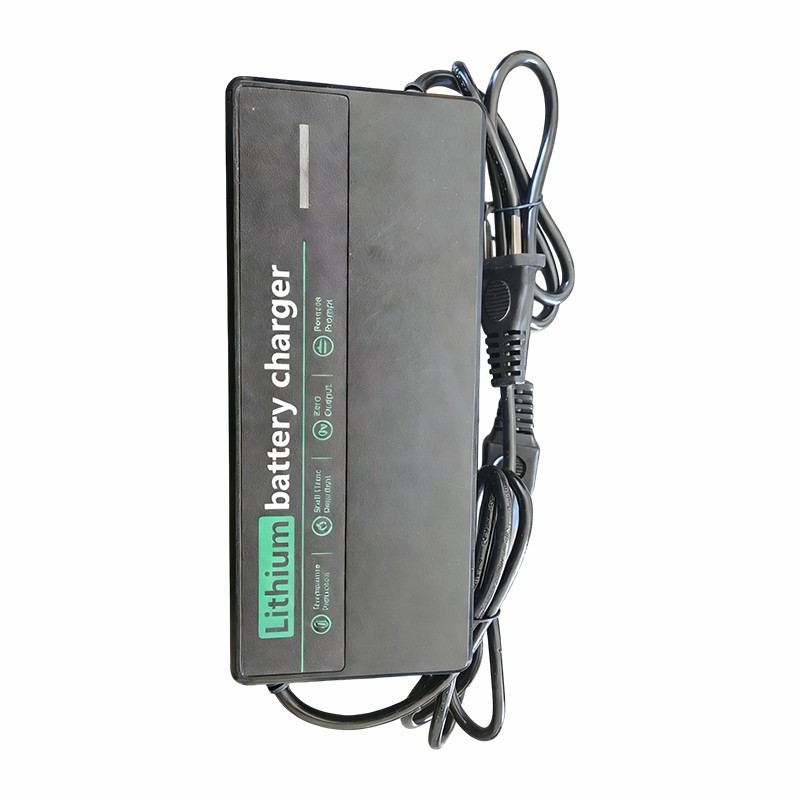
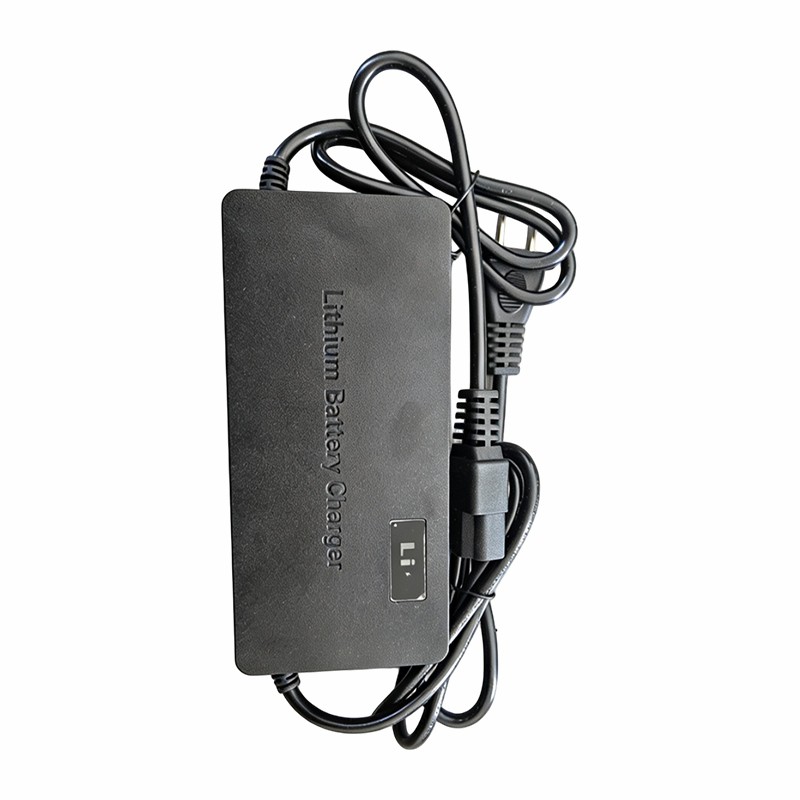
5. Consider Environmental Factors
Environmental conditions can also affect the performance of the charger and the battery. Extreme temperatures, both hot and cold, can impact the charging process. Chargers and batteries are designed to operate within a specific temperature range. If the temperature is too high, the charger might overheat and shut down to prevent damage. In cold temperatures, the battery's capacity and charging efficiency can be reduced.
Try to charge the battery in a well - ventilated area at a moderate temperature. Avoid charging the battery in direct sunlight or in an enclosed space where heat can build up.
6. Look for Compatibility Issues
Ensure that the charger is compatible with your E - Tricycle battery. Different batteries have different charging requirements, such as voltage, current, and charging mode. Using an incompatible charger can not only prevent the battery from charging but also damage the battery and the charger.
Check the battery's specifications and compare them with the charger's output ratings. If you're unsure about the compatibility, refer to the E - Tricycle's user manual or contact the manufacturer.
7. Seek Professional Help
If you've tried all the above steps and the charger still won't charge, it might be time to seek professional help. A qualified technician can perform a more in - depth diagnosis of the charger and the battery. They have the necessary tools and expertise to identify and fix complex issues.
As a supplier, we offer a range of high - quality chargers, including DC To DC Lithium Ion Charger, LiPo Battery Charger Dual Channel, and Multi Voltage Universal Charger. These chargers are designed to meet the diverse needs of E - Tricycle users and are built with advanced technology for reliable and efficient charging.
If you're experiencing problems with your charger or are looking to purchase a new one, we're here to help. Our team of experts can provide you with detailed product information and assist you in choosing the right charger for your E - Tricycle. Contact us to start a procurement discussion and find the best solution for your charging needs.
References
- Battery Charger User Manuals
- E - Tricycle Manufacturer's Documentation
- Industry Standards for Battery Charging